← alanpep.com

Sprite Fight

The retro trading card adventure

A card game about classic video games has taken over the suburb of Pixelbrook. Everybody plays it. Build a deck, duel the whole town, win 5 medals and take down the Champion.

Nothing to install. Setup notes

Pixelbrook

Duel everybody in town

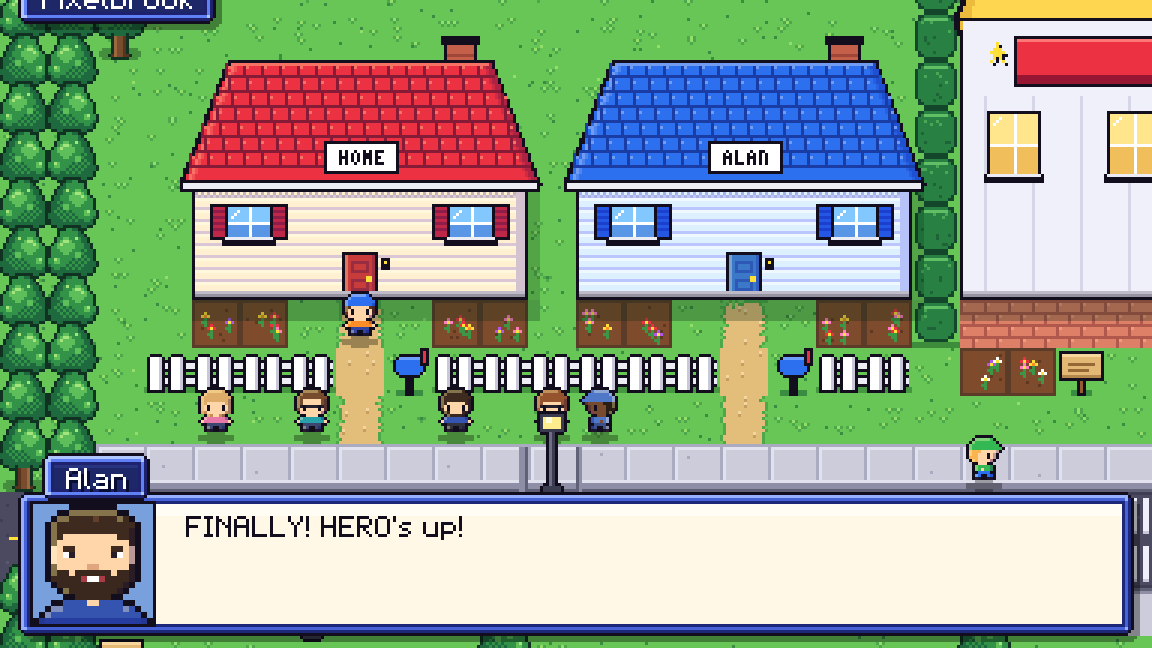
The mail carrier plays. The soccer moms play. So does your rival next door. Walk up to anyone with a ! over their head and challenge them, then spend your winnings on booster packs at the Card Shop.

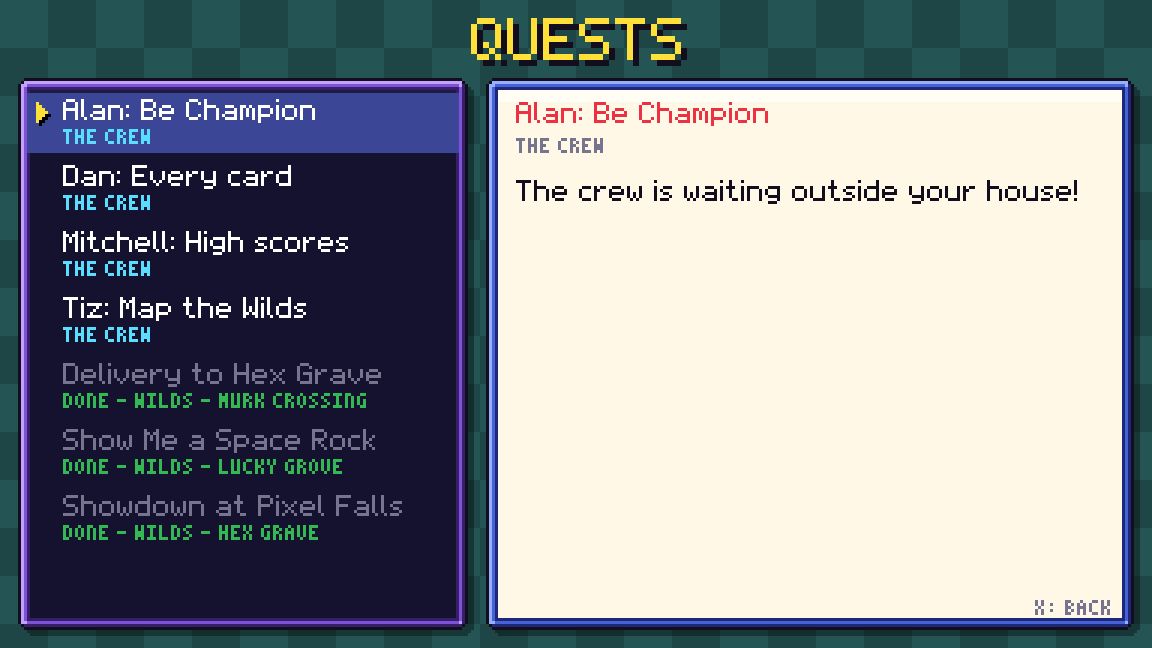
Your four best friends each have a big dream, and you'll keep running into them on your adventure.

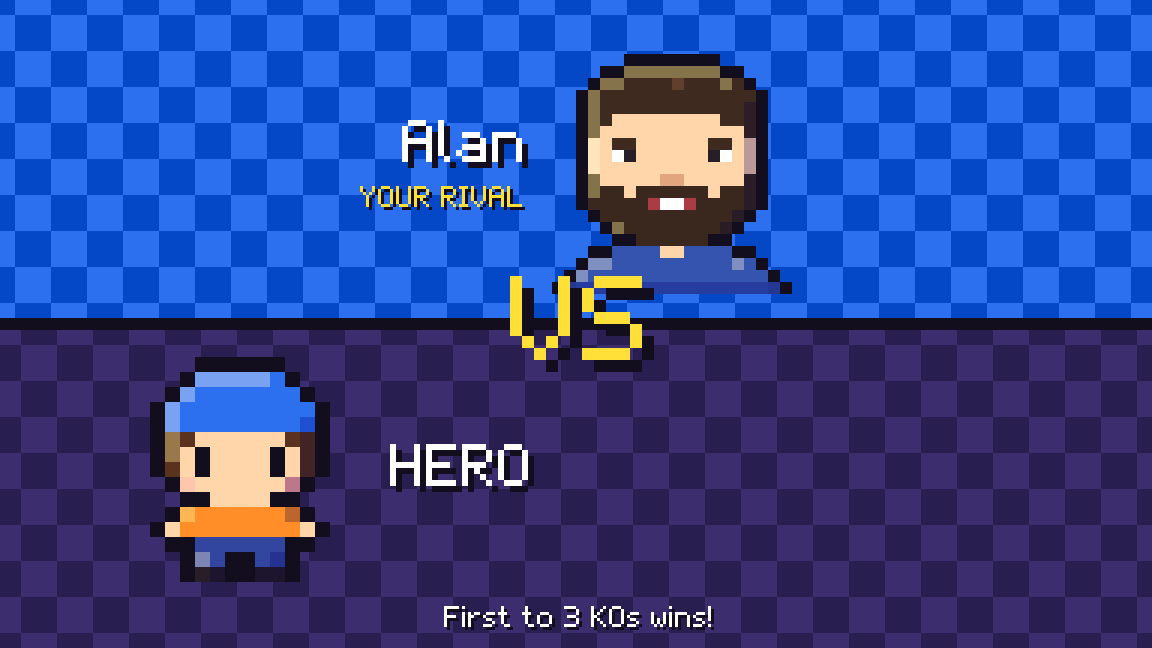
Your rival greets you outside your house in Pixelbrook The versus screen before a duel with your rival The quest log, tracking your friends' stories
The card game

Five genres, one big loop

Every sprite belongs to a genre, and each genre takes +20 damage from the one before it. Pick your deck with that in mind.

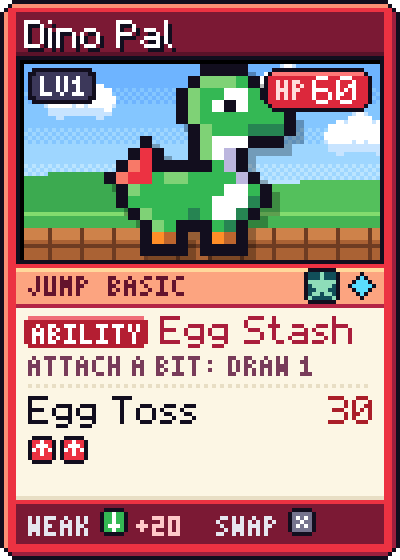
  1. Dino Pal, a JUMP cardJUMPbeats BLAST
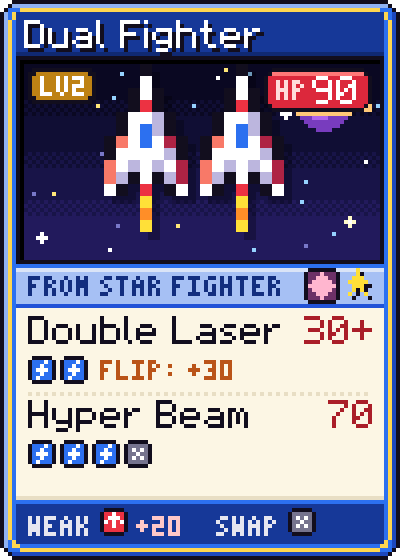
  2. Dual Fighter, a BLAST cardBLASTbeats BRAIN
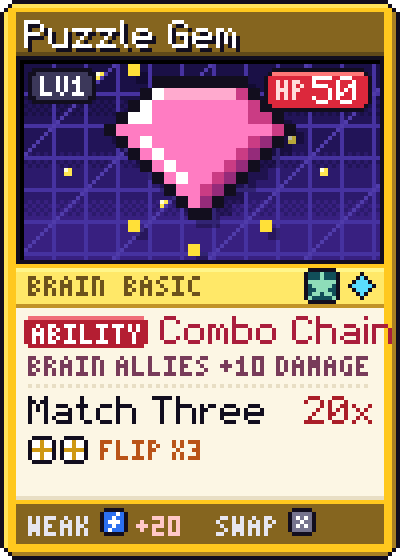
  3. Puzzle Gem, a BRAIN cardBRAINbeats SPOOK
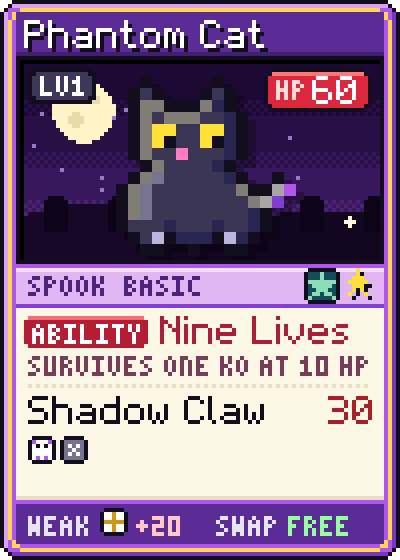
  4. Phantom Cat, a SPOOK cardSPOOKbeats QUEST
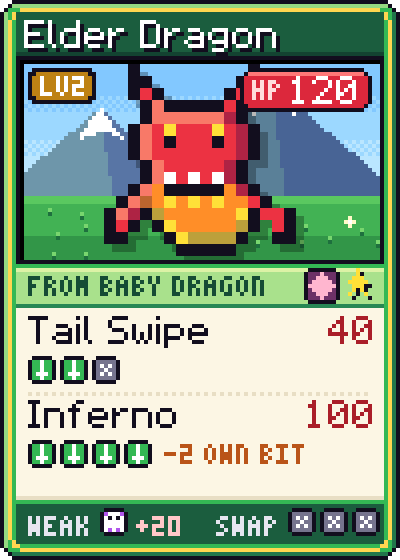
  5. Elder Dragon, a QUEST cardQUESTbeats JUMP
  • Sprites are your fighters. Level them up into stronger forms.
  • Bits power attacks. You can attach one per turn.
  • Cheats are one-shot tricks: draw, heal, swap or search.
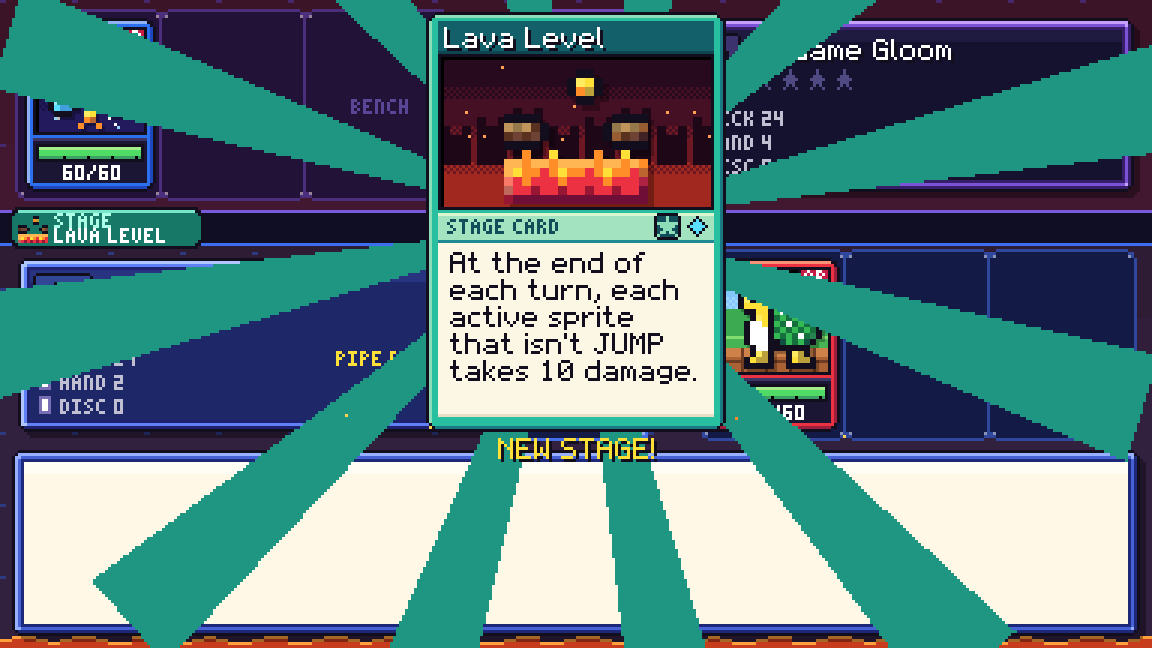
  • Stages change the level both players fight on.
  • Attacking ends your turn, so every move counts.
  • Reach the KO goal to win the duel.
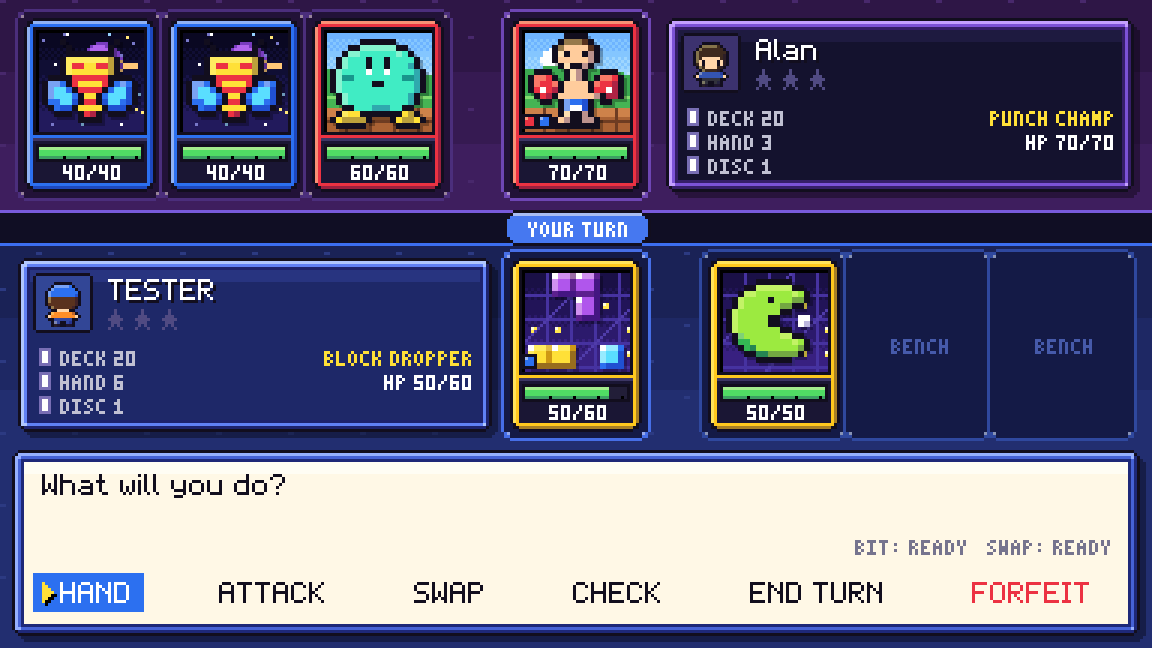
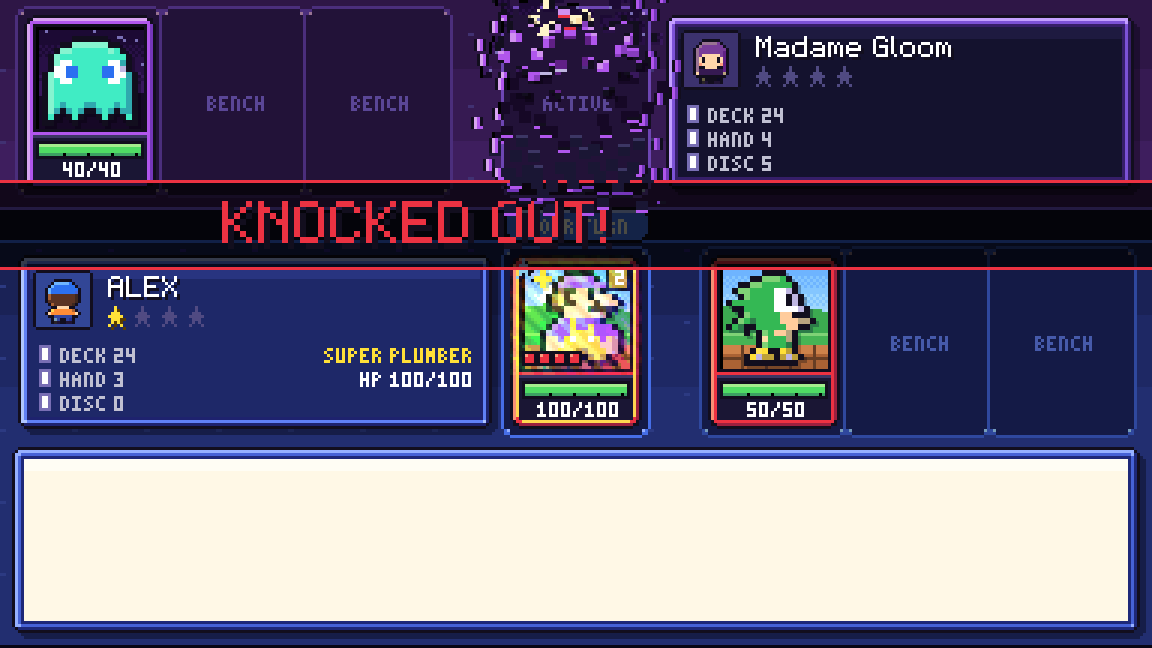
A duel in progress, choosing what to do on your turn The Lava Level stage card being played A sprite gets knocked out
Your collection

Crack packs, chase foils

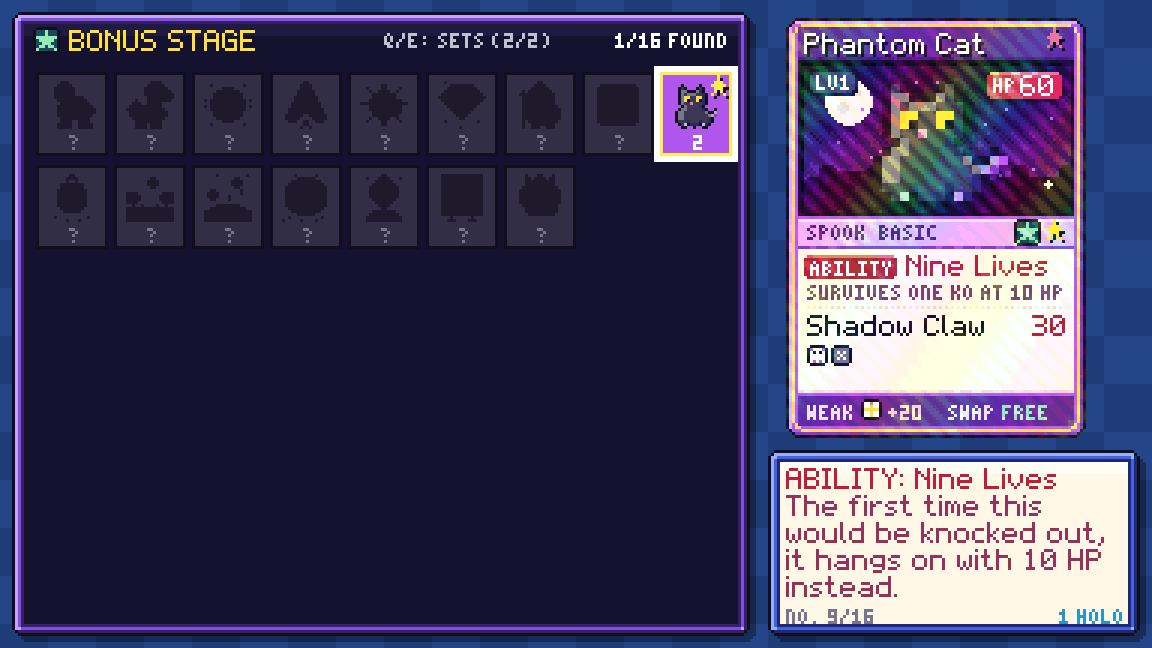
There are 84 cards to collect across three sets. Only the Base Set is out when you start, and each Champion you beat releases the next one.

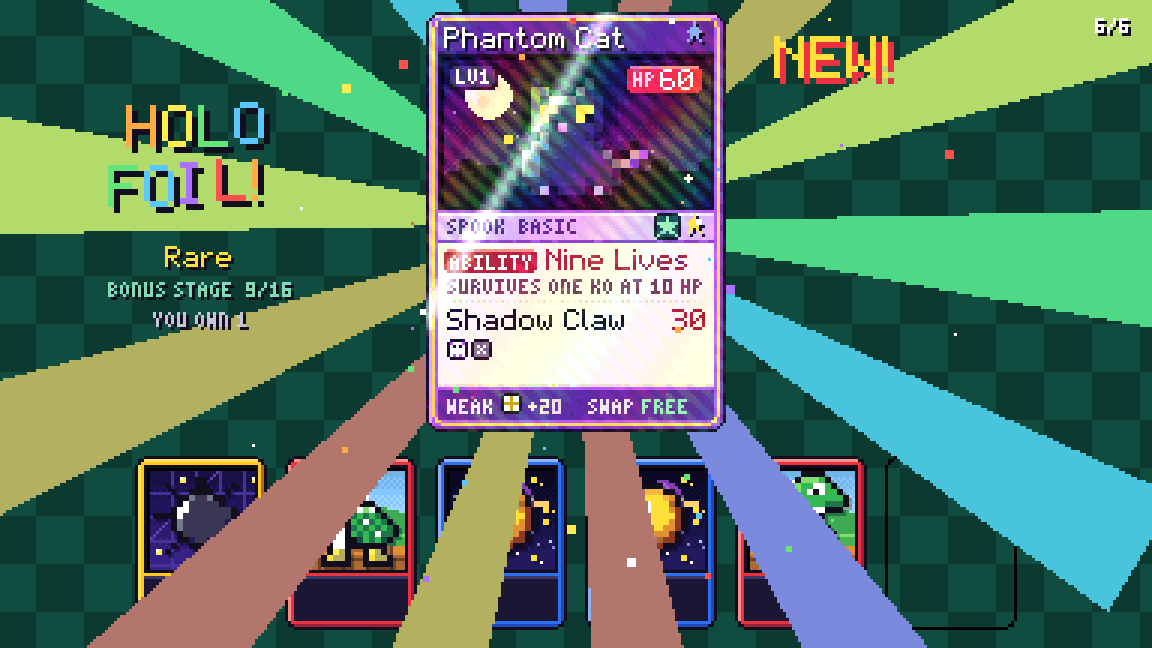
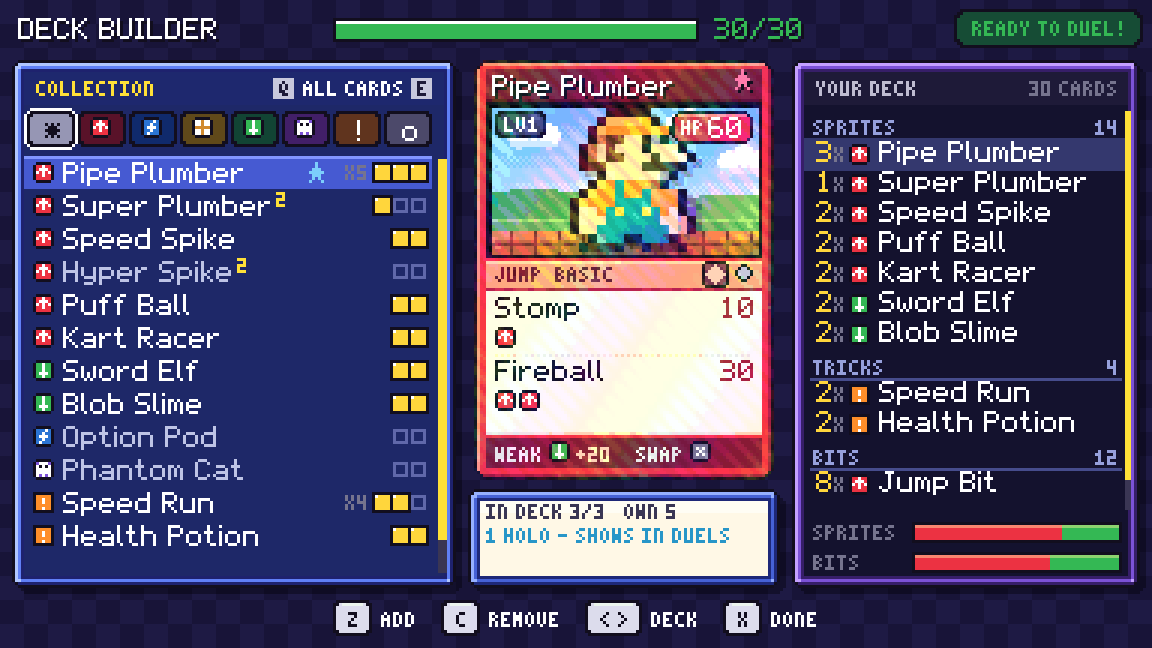
About 1 pack in 5 hides a shimmering holo foil. Build your 30-card deck, fill your binder, and trade with the locals.

Phantom Cat as a holo foil card
Pulling a holo foil from a booster pack The deck builder, with your collection next to your deck A card binder page for the Bonus Stage set
The Wilds

A different map in every save

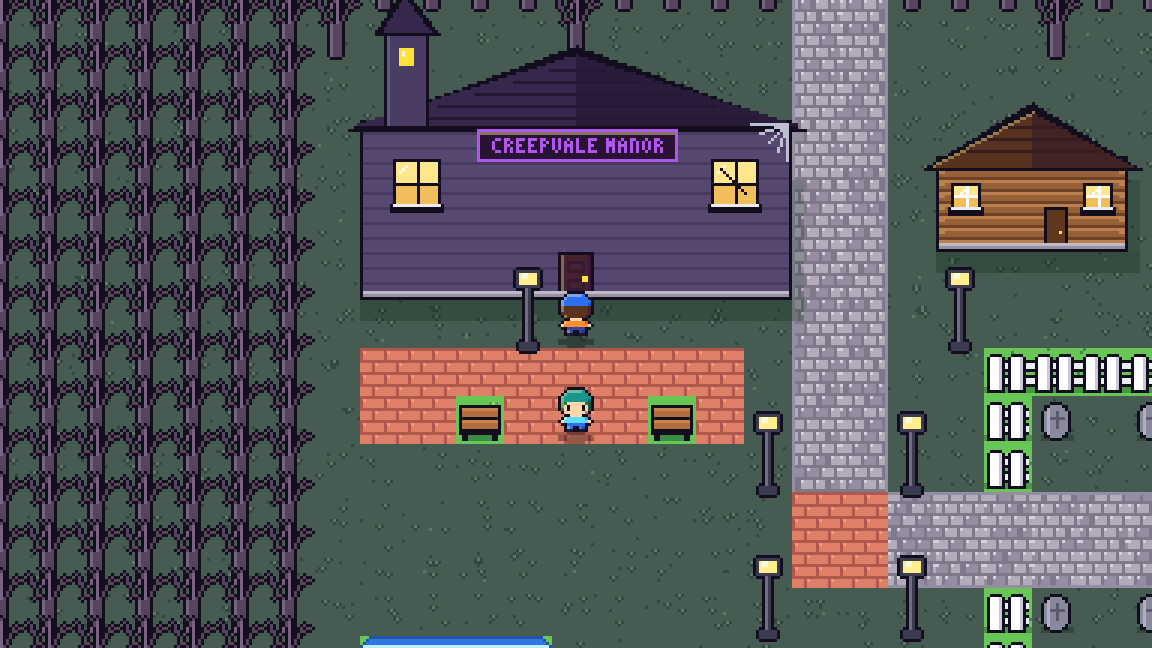
Past the edge of town, the Wilds are generated fresh for each save. Five Medal Leaders wait in five hand-built towns, from a gym town with a track field to a gloomy one with a graveyard. Beat a Champion and a sealed road opens to a whole new region.

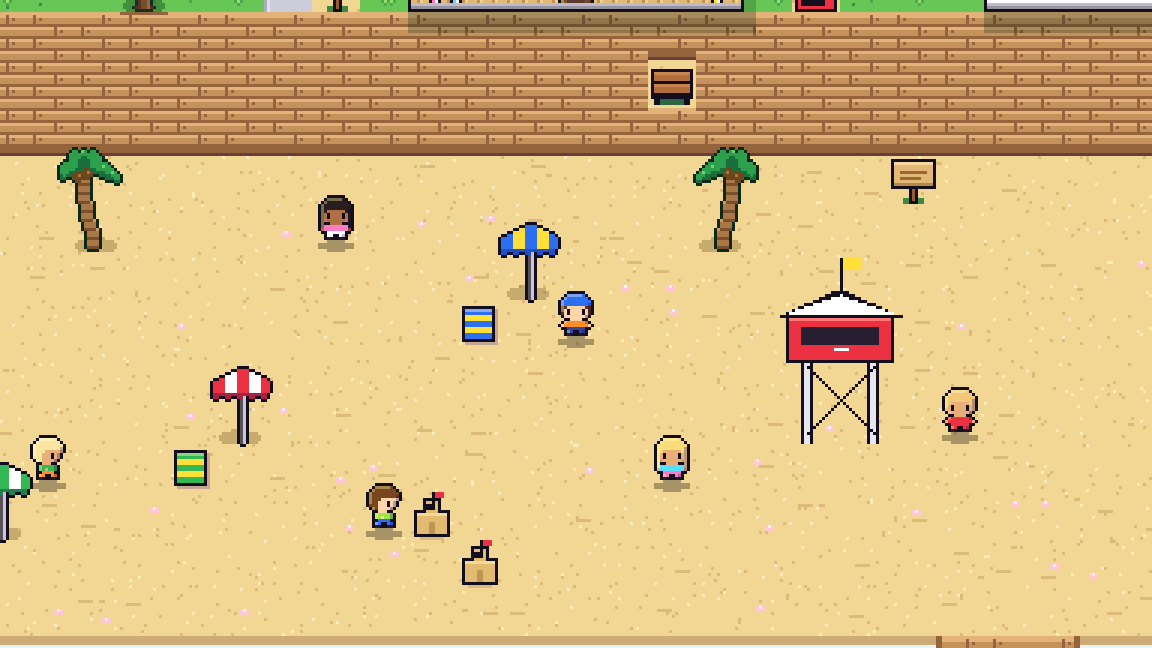
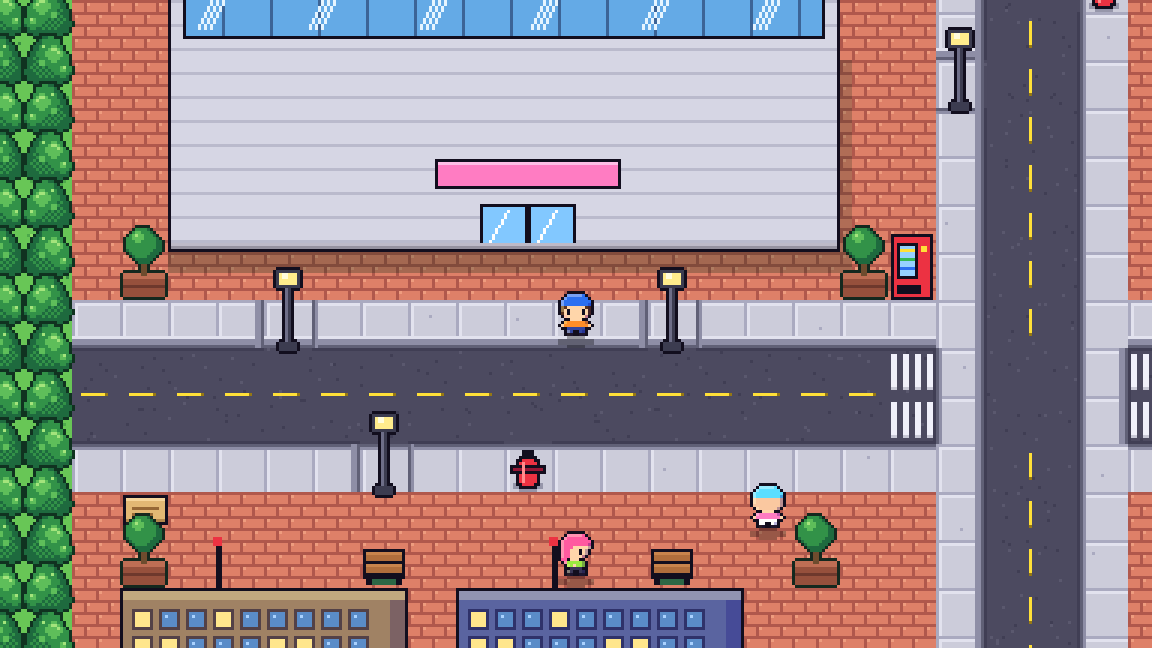
Closer to home, there's a boardwalk at Sunny Shores and a Grand Prix in Neon Downtown.

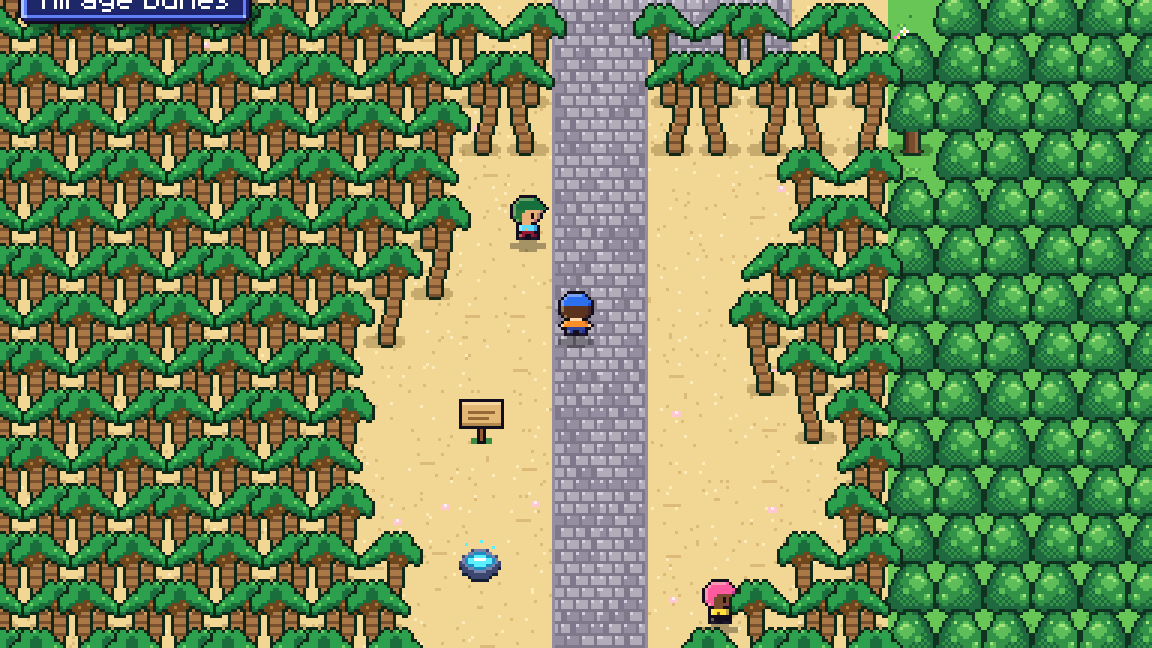
A gloomy Wilds town with a manor A stone road through a palm jungle The beach at Sunny Shores The Pixel Mall in Neon Downtown
Insert token

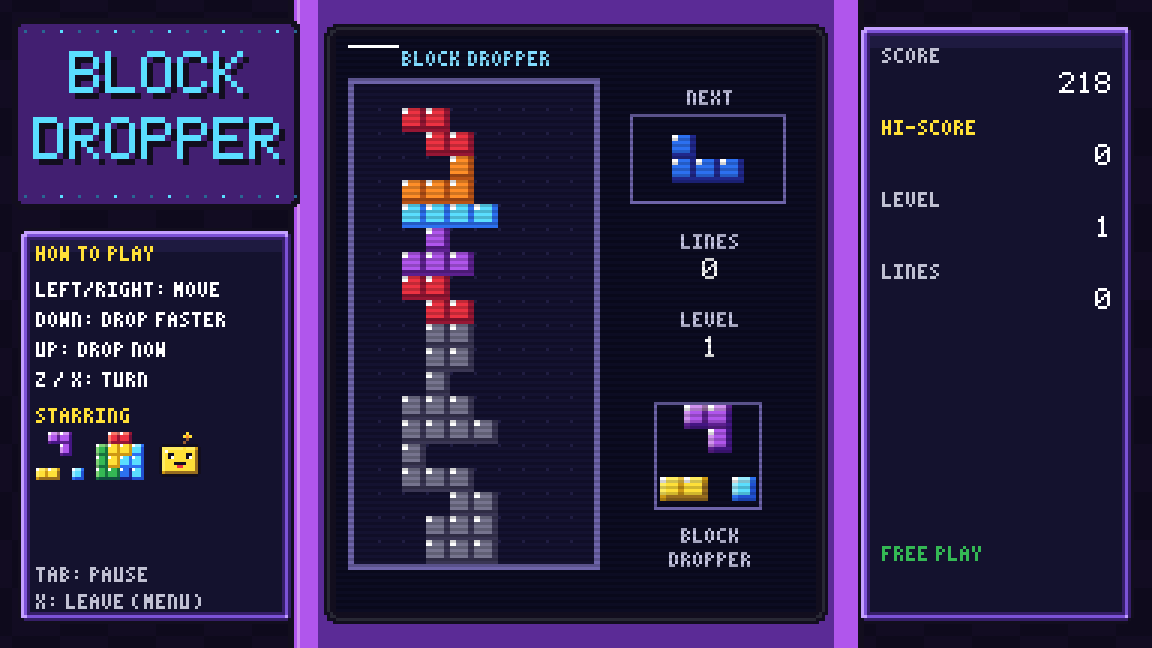
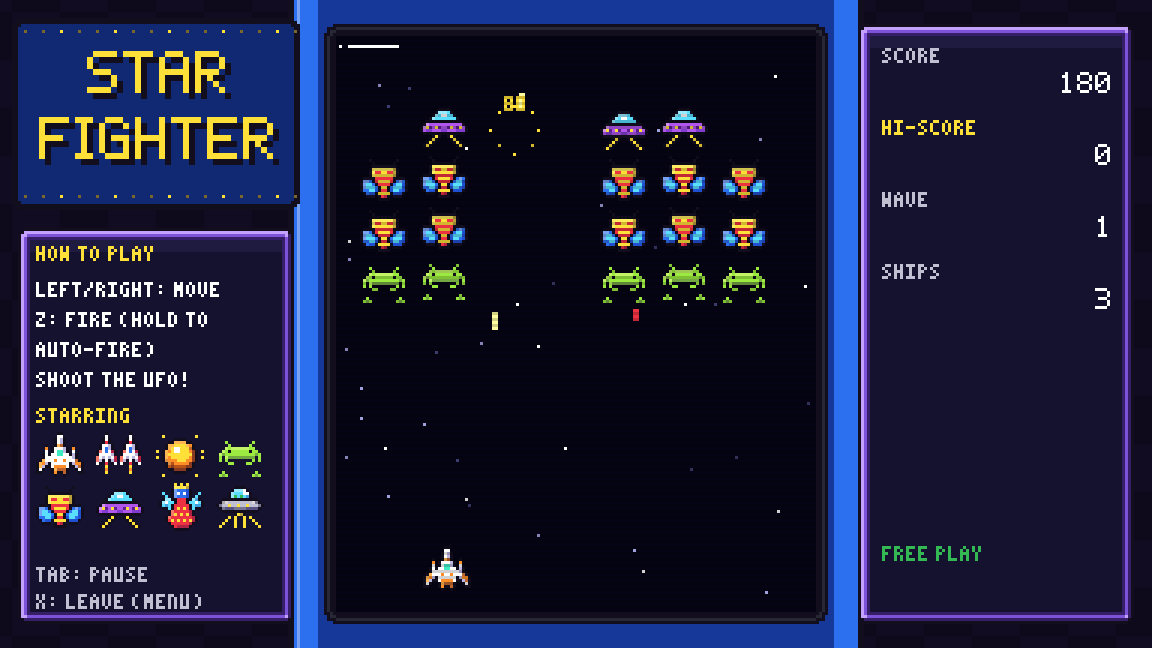
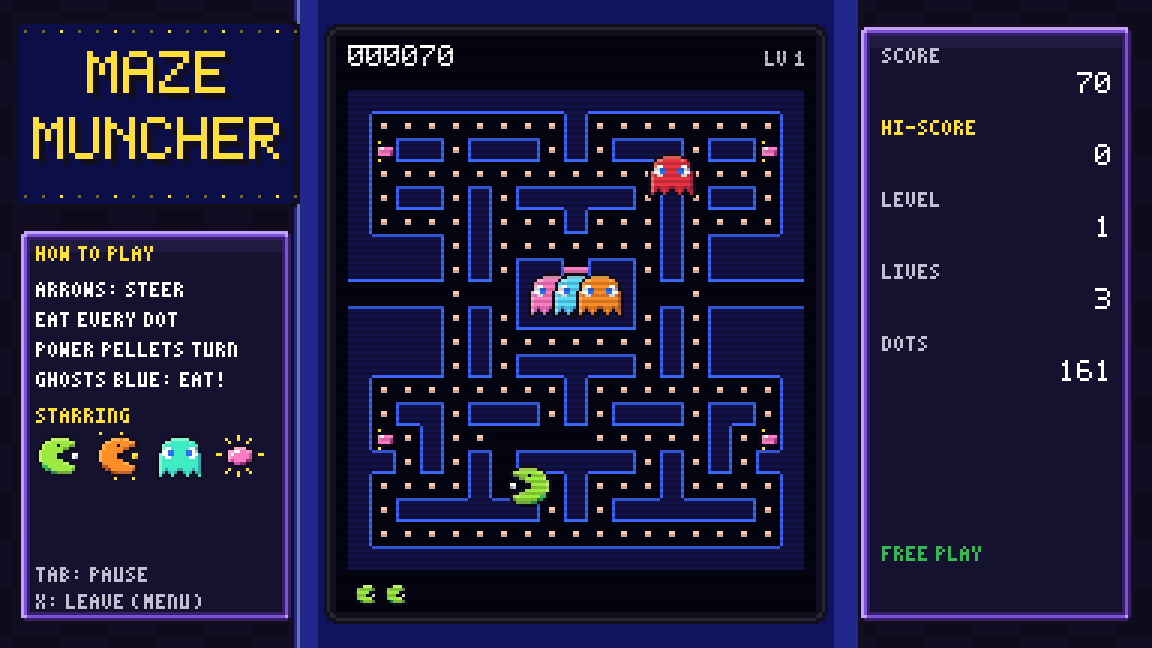
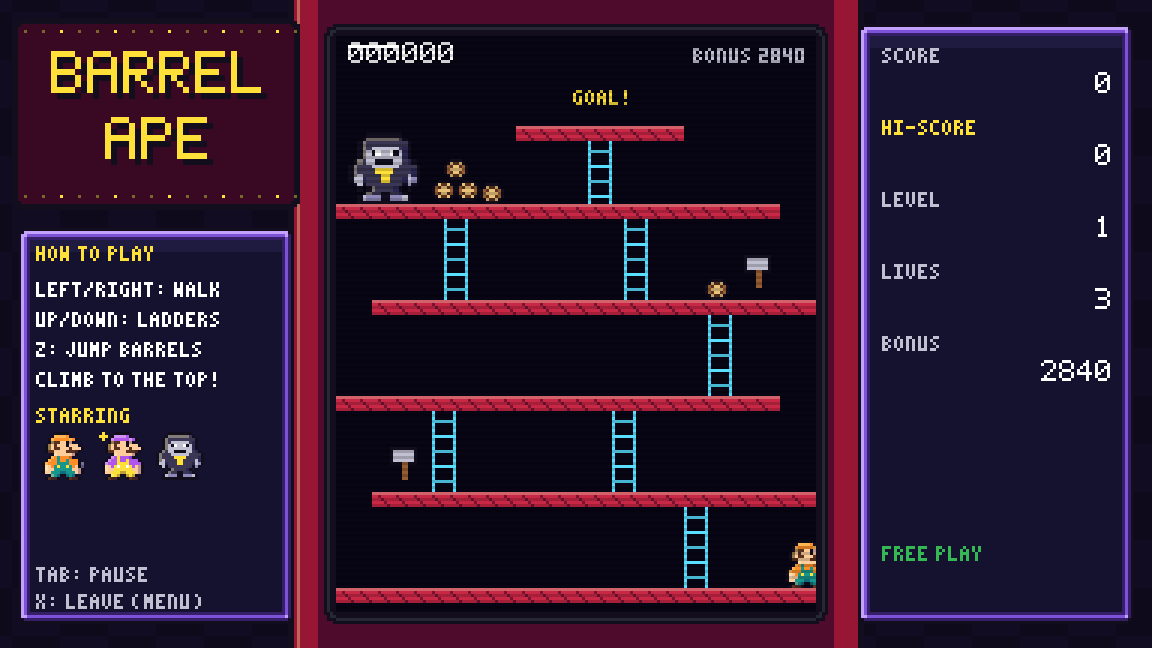
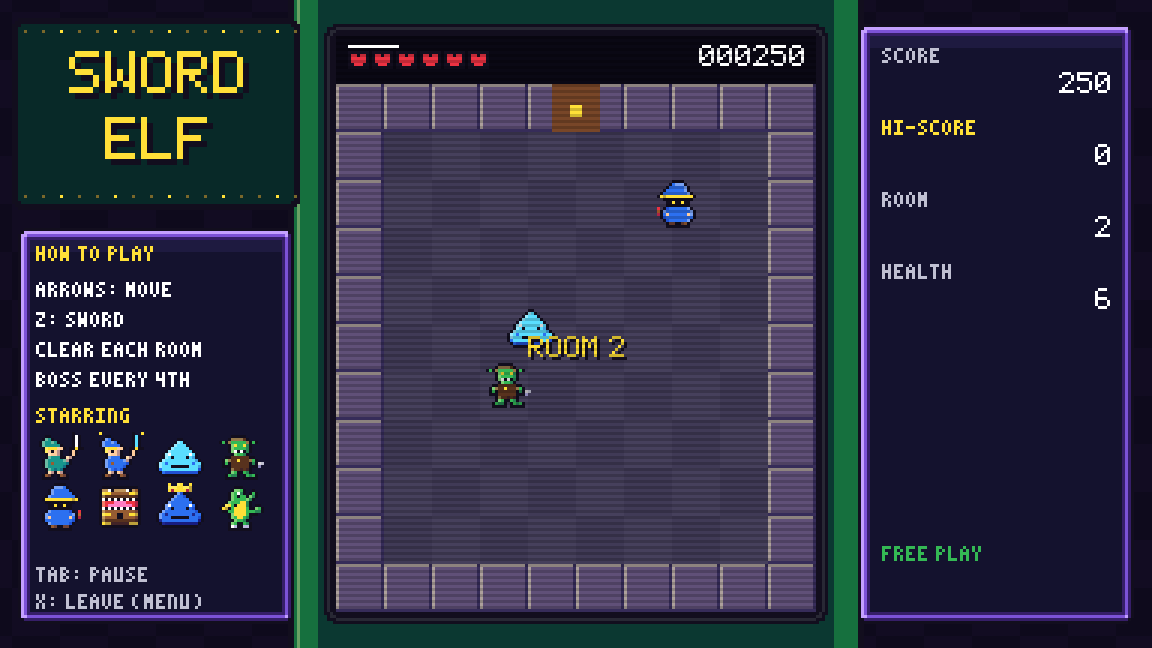
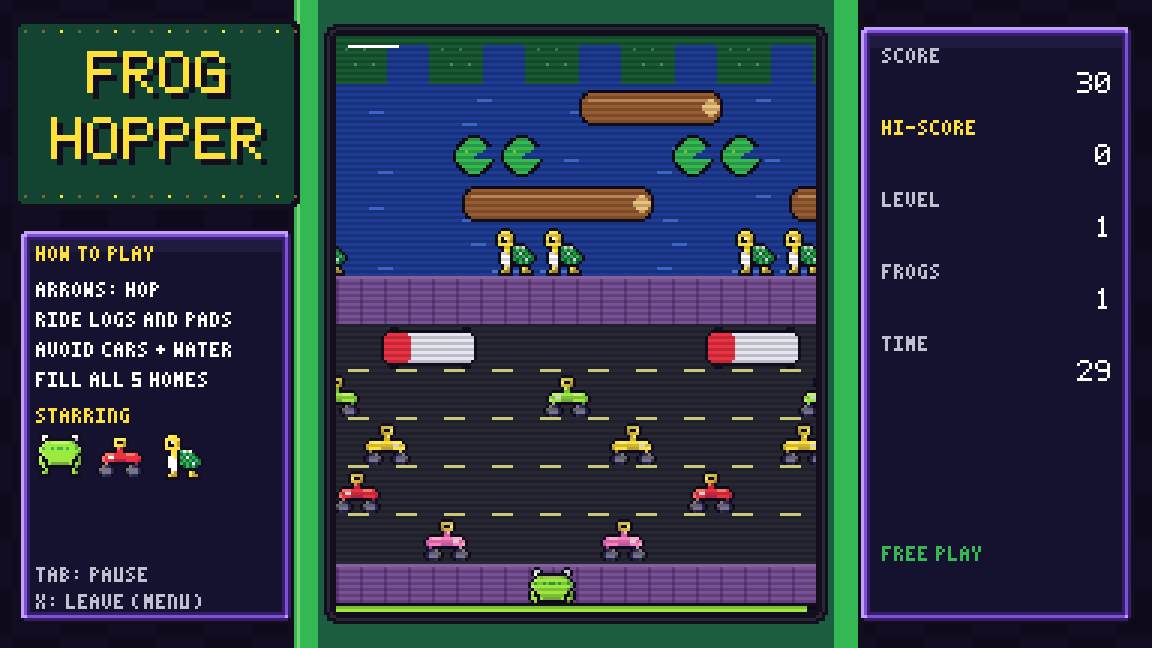
14 arcade games, built from the cards

Every cabinet in town is a real, playable game, and every character on screen is a card's own sprite. Plays cost 1 token. Buy a cabinet for your room and it's free forever.

Also on the floor: Brick Breaker, Pixel Snake, Space Rock, Pong Paddle, Mine Sweeper, Speed Spike, Whip Hunter and Jetpack Kid.

Around town

Odd jobs and a room of your own

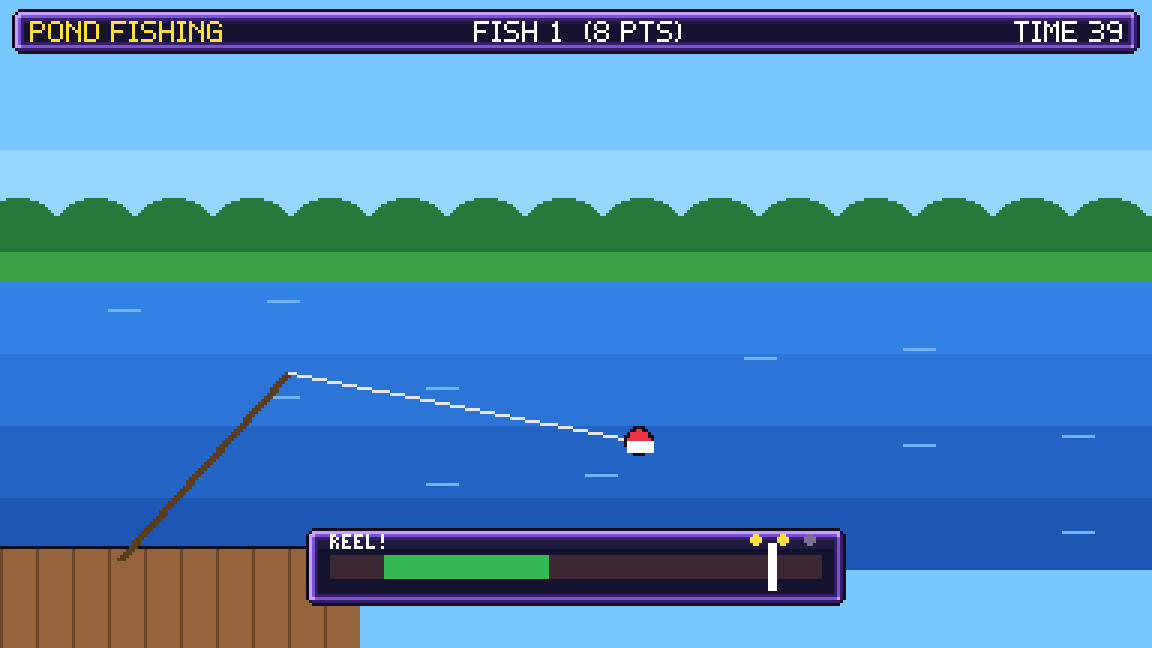
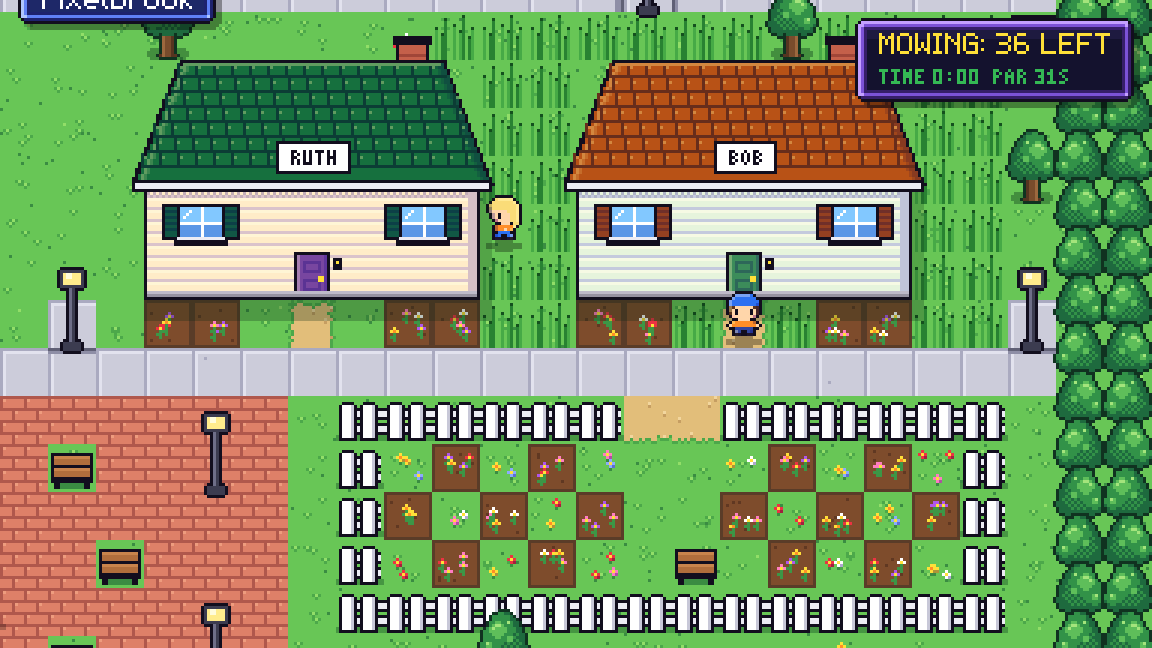
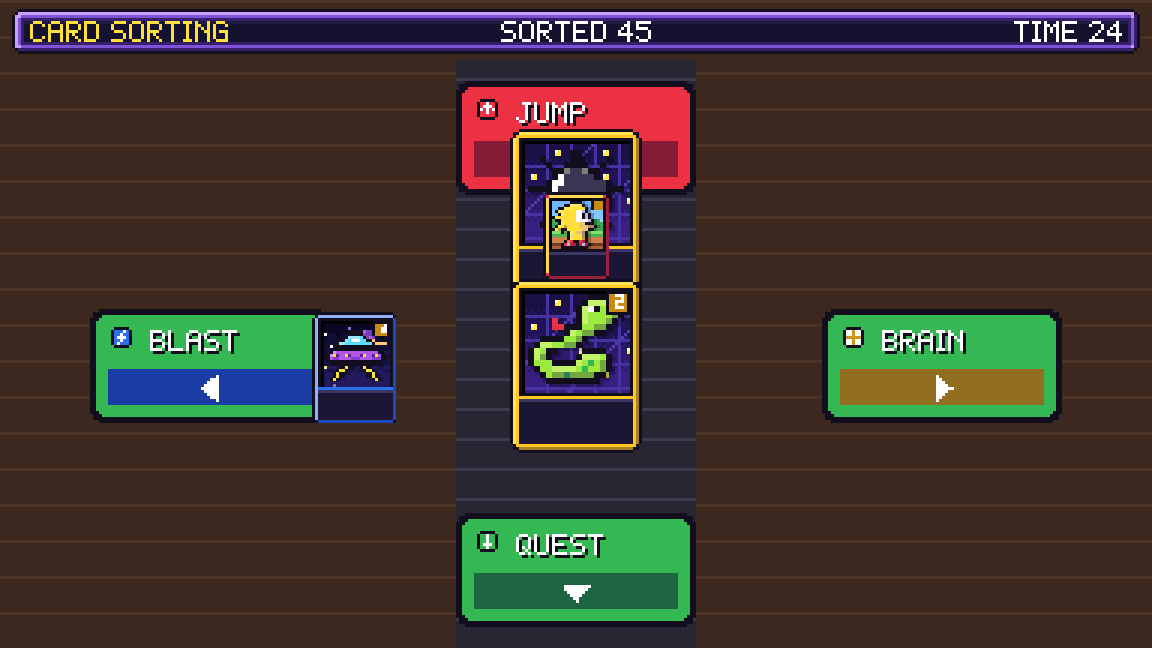
Short on tokens? Mow lawns, deliver parcels, sort cards, pick apples, play memory match or go fishing for the neighbors. Then spend your pay on arcade cabinets, posters, neon signs and rugs for your house.

The pond fishing job The lawn mowing job on Park Lane The card sorting job

Ready to play?

Windows

64-bit Windows

  1. Download SpriteFight.exe and double-click it. The first launch takes a few seconds.
  2. If Windows says it protected your PC, click More info, then Run anyway. The game isn't code-signed, so this warning is expected.
Download for Windows

Saves go to %APPDATA%\SpriteFight\saves

SHA-256 95ba9b43a1c524401e5674ef99681b21831593ae556f548a98660d896a3d0d7a

Linux

64-bit x86, Ubuntu 22.04 or newer

  1. Download the archive, then unpack and run it:
    tar -xzf SpriteFight-linux-x86_64.tar.gz
    ./SpriteFight
Download for Linux

Saves go to ~/.local/share/SpriteFight/saves

SHA-256 408b0a2a352e1eb3ba96c49340e7bb026097fe9fa6d3e43da651b4a9bb8a4c38

Controls

Play with the keyboard or plug in a gamepad. Xbox, PlayStation and Switch Pro controllers work out of the box. Press F11 for fullscreen.

ActionKeyboardGamepad
MoveArrows or WASDD-pad or left stick
ConfirmZ, Space or EnterA
BackX, Esc or BackspaceB
MenuTab or MStart
RunHold ShiftHold LT or RT